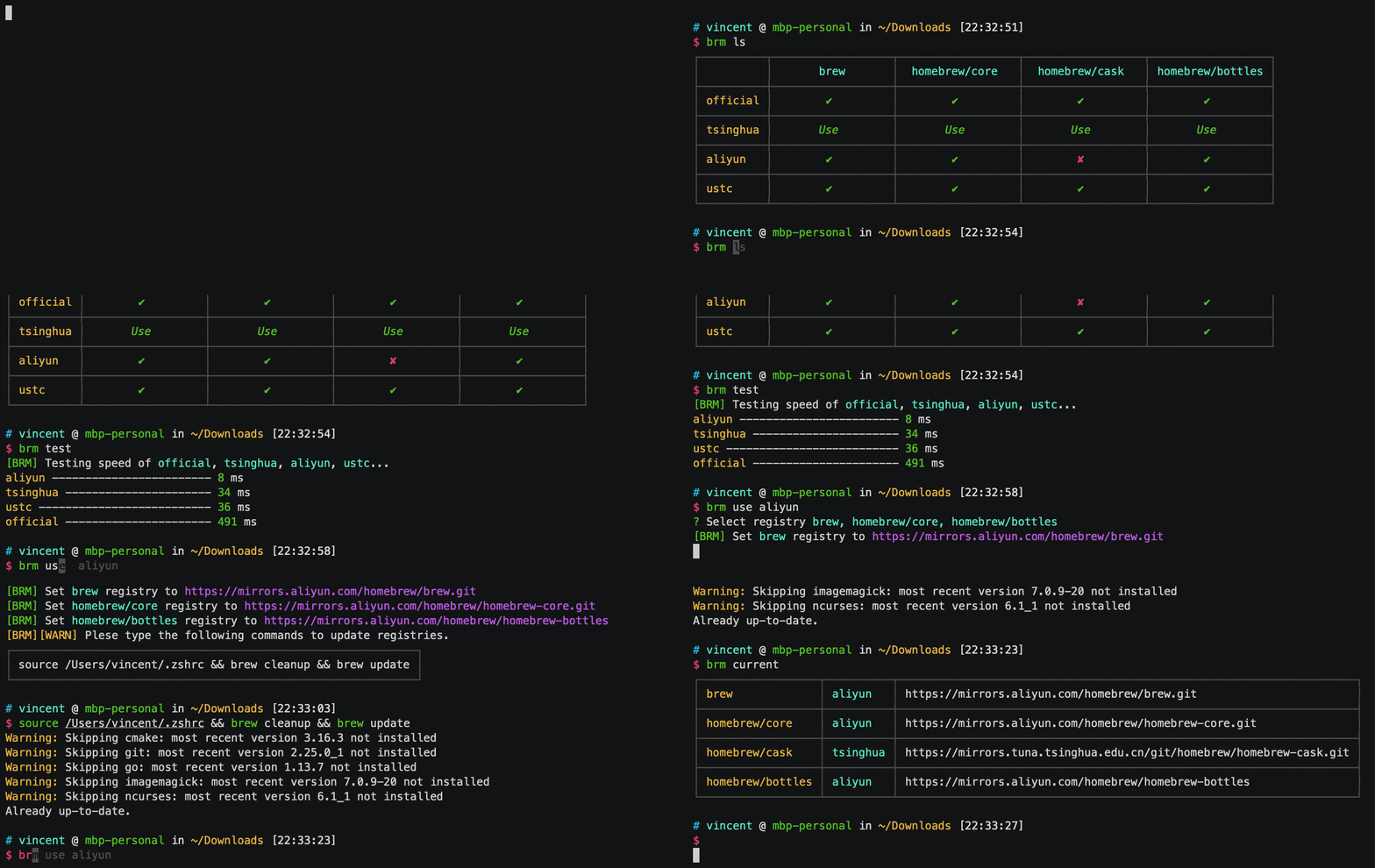
依赖
安装
asciinema 录屏工具
$ brew install asciinema
asciicast2gif 格式转换工具
# 安装依赖
$ brew install ImageMagick gifsicle leiningen

# 下载源码
$ git clone --recursive https://github.com/asciinema/asciicast2gif.git

# 安装依赖
$ cd asciicast2gif && npm i

# 编译得到 ./asciicast2gif
$ lein cljsbuild once main && lein cljsbuild once page

# 添加环境变量 (替换 /path/to/)
$ export PATH="$PATH:/path/to/asciicast2gif"
用法
录屏输出 json
# 开始录屏
$ asciinema rec
# asciinema: recording asciicast to tmpj6mmcek_-ascii.cast
# asciinema: press <ctrl-d> or type "exit" when you're done

# 结束录屏 CTRL + D
# asciinema: recording finished
# asciinema: press <enter> to upload to asciinema.org, <ctrl-c> to save locally
# asciinema: asciicast saved to tmpj6mmcek_-ascii.cast
json 转 gif
$ ./asciicast2gif tmpj6mmcek_-ascii.cast demo.gif
# ==> Loading tmpj6mmcek_.cast...
# ==> Spawning PhantomJS renderer...
# ==> Generating frame screenshots...
# ==> Combining 5 screenshots into GIF file...
# ==> Done.